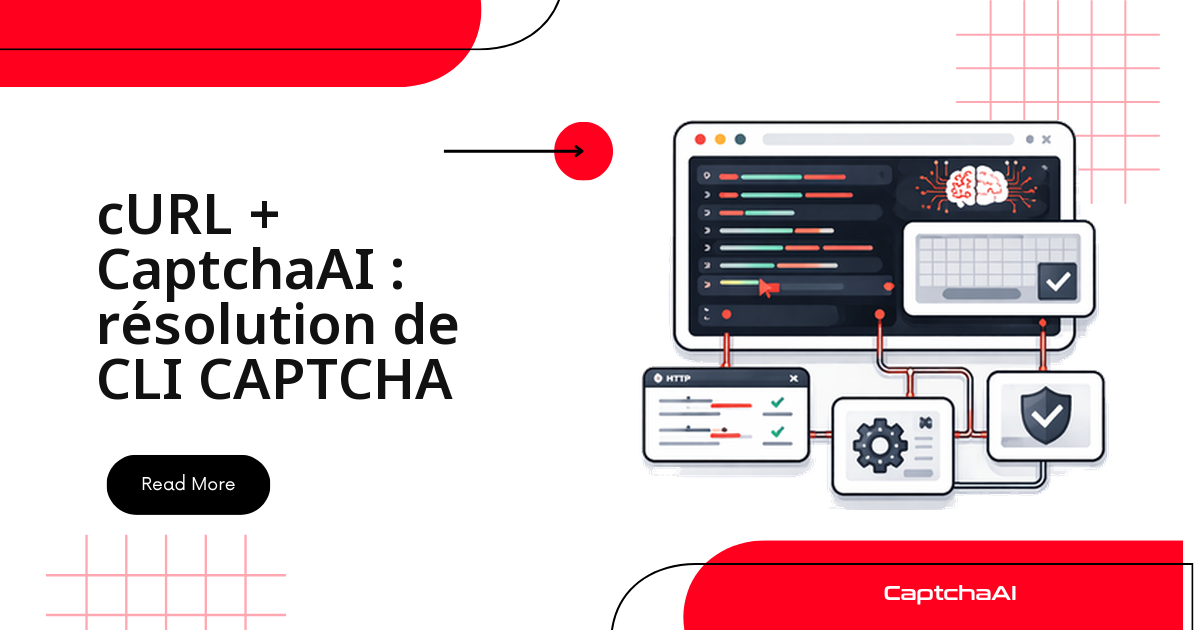
Pour résoudre un CAPTCHA depuis un terminal, il suffit de cURL et d'une clé API CaptchaAI : un appel HTTP soumet le défi, un second récupère le token. Aucun SDK, aucune dépendance à installer, rien à compiler. C'est l'approche la plus directe dans trois situations :
- un pipeline GitLab CI ou GitHub Actions qui doit franchir un CAPTCHA pendant un test de bout en bout ;
- un job cron sur un worker OVHcloud ou Scaleway, où vous ne voulez embarquer aucune bibliothèque ;
- un test shell rapide, pour valider une clé et une sitekey avant d'écrire la vraie intégration.
Prérequis
| Exigence | Détails |
|---|---|
| cURL | Toute version moderne |
| jq (facultatif) | Pour analyser les réponses |
| Clé API CaptchaAI | Créez-en une ici |
Les trois appels de base
Toute intégration cURL se résume à deux endpoints et trois actions :
in.php— soumettre un défi (renvoie un identifiant de tâche) ;res.phpavecaction=getbalance— lire votre solde ;res.phpavecaction=get— récupérer le token une fois la tâche résolue.
Vérifier le solde
curl -s "https://ocr.captchaai.com/res.php?key=YOUR_API_KEY&action=getbalance"
- Réponse attendue :
1.234
Soumettre un reCAPTCHA v2
curl -s "https://ocr.captchaai.com/in.php?key=YOUR_API_KEY&method=userrecaptcha&googlekey=6Le-wvkS...&pageurl=https://example.com"
- Réponse attendue :
OK|73548291— le nombre aprèsOK|est l'identifiant de la tâche.
Interroger le résultat
L'API est asynchrone : après la soumission, vous interrogez res.php jusqu'à obtenir le token.
curl -s "https://ocr.captchaai.com/res.php?key=YOUR_API_KEY&action=get&id=73548291"
- Réponse attendue :
OK|03AGdBq24PBCbw...(le token) ouCAPCHA_NOT_READYtant que la résolution est en cours.
Un script Bash de résolution réutilisable
Plutôt que de répéter ces appels à la main, encapsulez la soumission et le polling dans une fonction. Créez solve_captcha.sh :
#!/bin/bash
set -euo pipefail

API_KEY="${CAPTCHAAI_API_KEY:?Set CAPTCHAAI_API_KEY environment variable}"
BASE_URL="https://ocr.captchaai.com"

solve_recaptcha() {
    local site_key="$1"
    local page_url="$2"
    local timeout="${3:-300}"

    # Submit
    local response
    response=$(curl -s "${BASE_URL}/in.php?key=${API_KEY}&method=userrecaptcha&googlekey=${site_key}&pageurl=${page_url}")

    if [[ ! "$response" == OK|* ]]; then
        echo "ERROR: Submit failed: $response" >&2
        return 1
    fi

    local task_id="${response#OK|}"
    echo "Submitted task: $task_id" >&2

    # Poll
    local deadline=$((SECONDS + timeout))
    while (( SECONDS < deadline )); do
        sleep 5
        local result
        result=$(curl -s "${BASE_URL}/res.php?key=${API_KEY}&action=get&id=${task_id}")

        if [[ "$result" == "CAPCHA_NOT_READY" ]]; then
            echo "Waiting..." >&2
            continue
        fi

        if [[ "$result" == OK|* ]]; then
            echo "${result#OK|}"
            return 0
        fi

        echo "ERROR: Solve failed: $result" >&2
        return 1
    done

    echo "ERROR: Timeout after ${timeout}s" >&2
    return 1
}

# Usage: ./solve_captcha.sh SITE_KEY PAGE_URL
if [[ $# -ge 2 ]]; then
    solve_recaptcha "$1" "$2"
fi
Trois détails rendent ce script sûr en production :
- la clé est lue depuis la variable d'environnement
CAPTCHAAI_API_KEYet n'apparaît jamais en clair ; - les messages d'avancement partent sur
stderr, le token seul surstdout— vous le capturez proprement avec$(...); - un
timeoutpar défaut de 300 s évite qu'un script reste bloqué indéfiniment.
Rendez le fichier exécutable, exportez votre clé, puis lancez-le :
chmod +x solve_captcha.sh
export CAPTCHAAI_API_KEY="your_key_here"
./solve_captcha.sh "6Le-wvkS..." "https://example.com"
Résoudre Cloudflare Turnstile
Le principe ne change pas ; seule la méthode diffère. Utilisez method=turnstile et passez le sitekey de la page :
curl -s "https://ocr.captchaai.com/in.php?key=${CAPTCHAAI_API_KEY}&method=turnstile&sitekey=0x4AAAAA...&pageurl=https://example.com"
CaptchaAI résout aussi, avec le même schéma soumission/interrogation, reCAPTCHA v3, Cloudflare Challenge, GeeTest v3 et les CAPTCHA image ou en grille.
Résoudre un CAPTCHA image
Pour un CAPTCHA image (OCR), encodez le fichier en base64 avant de l'envoyer :
# Encode image to base64
IMAGE_B64=$(base64 -w 0 captcha.png)

# Submit
curl -s "https://ocr.captchaai.com/in.php?key=${CAPTCHAAI_API_KEY}&method=base64&body=${IMAGE_B64}"
Pour les images volumineuses, préférez un envoi POST multipart plutôt qu'une URL surchargée :
curl -s -X POST "https://ocr.captchaai.com/in.php" \
  -F "key=${CAPTCHAAI_API_KEY}" \
  -F "method=post" \
  -F "[email protected]"
Enchaîner résolution et envoi du formulaire
Dans un cas réel, le token n'est qu'une étape : vous le récupérez, puis vous l'injectez dans la requête qui soumet le formulaire. Le pipeline complet tient dans un seul script :
#!/bin/bash
# Solve CAPTCHA and submit form in one pipeline

API_KEY="${CAPTCHAAI_API_KEY}"
SITE_KEY="6Le-wvkS..."
TARGET_URL="https://example.com/login"

# Solve
TOKEN=$(./solve_captcha.sh "$SITE_KEY" "$TARGET_URL")

if [[ -z "$TOKEN" ]]; then
    echo "Failed to solve CAPTCHA"
    exit 1
fi

# Submit form with token
curl -s -X POST "$TARGET_URL" \
  -d "username=user" \
  -d "password=pass" \
  -d "g-recaptcha-response=${TOKEN}"
Le token part dans le champ g-recaptcha-response, exactement là où le navigateur l'aurait placé.
Traiter plusieurs CAPTCHA par lots
Pour un volume plus important — par exemple une campagne de tests QA couvrant plusieurs pages — bouclez sur un fichier d'URL et consignez chaque token dans un CSV :
#!/bin/bash
# Input file: urls.txt (one URL per line)

while IFS= read -r url; do
    echo "Processing: $url"
    TOKEN=$(./solve_captcha.sh "6Le-wvkS..." "$url")
    if [[ -n "$TOKEN" ]]; then
        echo "$url,$TOKEN" >> results.csv
        echo "  Solved ✓"
    else
        echo "  Failed ✗"
    fi
done < urls.txt
Chaque défi occupe un thread le temps de sa résolution. Pour traiter plusieurs URL en parallèle, il vous faut simplement un plan offrant assez de threads (voir la FAQ ci-dessous).
Version PowerShell (Windows)
Sous Windows, Invoke-RestMethod remplace cURL sans changer la logique : on soumet, puis on interroge jusqu'à disparition de CAPCHA_NOT_READY.
$ApiKey = $env:CAPTCHAAI_API_KEY
$BaseUrl = "https://ocr.captchaai.com"

# Submit
$response = Invoke-RestMethod "${BaseUrl}/in.php?key=${ApiKey}&method=userrecaptcha&googlekey=6Le-wvkS...&pageurl=https://example.com"

if ($response -match '^OK\|(.+)$') {
    $taskId = $Matches[1]
    Write-Host "Task: $taskId"
} else {
    Write-Error "Submit failed: $response"
    exit 1
}

# Poll
do {
    Start-Sleep -Seconds 5
    $result = Invoke-RestMethod "${BaseUrl}/res.php?key=${ApiKey}&action=get&id=${taskId}"
} while ($result -eq 'CAPCHA_NOT_READY')

if ($result -match '^OK\|(.+)$') {
    $token = $Matches[1]
    Write-Host "Token: $token"
} else {
    Write-Error "Solve failed: $result"
}
Dépannage
| Erreur | Cause | Correctif |
|---|---|---|
curl: (6) Could not resolve host |
Problème DNS | Vérifiez la connectivité réseau |
ERROR_WRONG_USER_KEY |
Clé API incorrecte | Cherchez les espaces ou retours à la ligne parasites dans la clé |
| Réponse vide | Délai réseau dépassé | Ajoutez --connect-timeout 30 |
base64: invalid input |
Fichier binaire mal encodé | Utilisez base64 -w 0 (sans retour à la ligne) |
Questions fréquentes
Quels types de CAPTCHA puis-je résoudre en cURL ?
Les mêmes qu'avec n'importe quel SDK : reCAPTCHA v2 et v3, Cloudflare Turnstile et Challenge, GeeTest v3, ainsi que les CAPTCHA image/OCR et en grille. CaptchaFox (bêta), Friendly Captcha (bêta) et Lemin (bêta) sont également pris en charge. En revanche, hCaptcha et FunCaptcha (Arkose Labs) ne sont pas pris en charge.
Comment protéger ma clé API dans un script shell ?
Ne l'écrivez jamais en dur. Passez-la par la variable d'environnement CAPTCHAAI_API_KEY et stockez-la comme secret dans votre outil de CI (GitLab CI, GitHub Actions, Jenkins). Le script y accède au moment de l'exécution, sans qu'elle apparaisse dans le dépôt ni dans les logs.
Que faire si la réponse reste CAPCHA_NOT_READY ?
C'est normal : la résolution est asynchrone. Continuez à interroger res.php toutes les 5 secondes. Le script d'exemple abandonne au bout de 300 s ; si le délai expire souvent, augmentez le timeout passé à la fonction.
Quel plan CaptchaAI convient à un pipeline cURL ?
La facturation se fait par thread, pas par résolution, et chaque plan inclut des résolutions illimitées sur ses threads. Le plan BASIC ($15/mois, 5 threads) suffit pour des tests séquentiels ; passez à STANDARD ($30/mois, 15 threads) ou ADVANCE ($90/mois, 50 threads) dès que vous résolvez en parallèle.